Contact Support
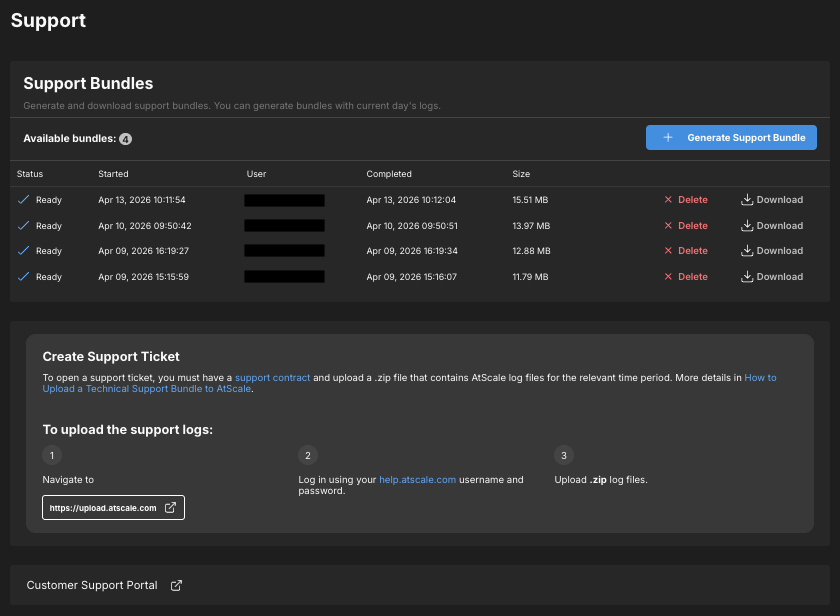
On the Support page, AtScale admins can generate and download support bundles and initiate the process of opening a ticket with AtScale Support. You can access this page by clicking Support in the sidebar:

Note
The Support page is only accessible by users with certain roles. For more information, see Identity Broker Default Roles.
From here, you can do the following:
- Generate and download support bundles containing the current day's logs.
- Download and manage historical support bundles.
- Initiate the process of opening a ticket with AtScale Support.
- Access the Customer Support Portal.